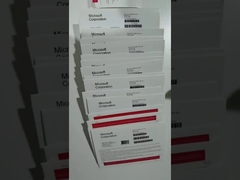
Microsoft Office 2021 professional plus Activating tutorial video

office 2021
October 26, 2021
Category Connection: Microsoft Office 2021
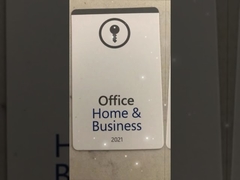
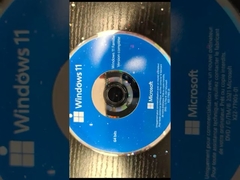
Brief: Learn how to activate Microsoft Office 2021 Professional Plus with this step-by-step tutorial video. Discover the features of Office Home and Student 2021, including Word, Excel, and PowerPoint, designed for Windows 11, Windows 10, and Mac OS. Perfect for students and families seeking a one-time purchase solution.
Related Product Features:
  • Includes classic 2021 versions of Word, Excel, PowerPoint, and OneNote.
  • Electronic software download for easy installation at your convenience.
  • Compatible with PCs running Windows 10/11 and Mac OS devices.
  • One-time purchase with no renewal fees or subscriptions.
  • Enhanced accessibility features and performance improvements.
  • Supports dark mode across all apps for better visual comfort.
  • Can be installed on a single PC or Mac device.
  • Includes 60 days of Microsoft support for assistance.
Faqs:
  • Can people with an earlier version of Office open documents created using Office 2021?
    Yes, documents created in Office 2021 can be opened by users with Office 2010 or later. Users with earlier versions may need to download a compatibility pack.
  • What is the difference between Microsoft 365 subscription plans and Office 2021 as a one-time purchase?
    Microsoft 365 is a subscription with premium apps, services like OneDrive storage, and automatic updates. Office 2021 is a one-time purchase with classic apps only, no services, and no upgrade options.
  • What are the system requirements for Office Home and Student 2021?
    For PC: Windows 10/11, 1.6 GHz 2-core processor, 4 GB RAM (64-bit), 4 GB disk space. For Mac: recent macOS, 4 GB RAM, 10 GB disk space, 1280x800 display.