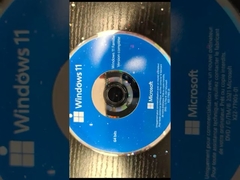
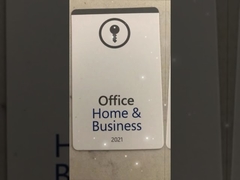
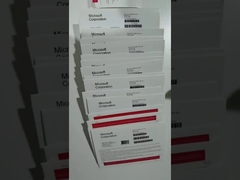
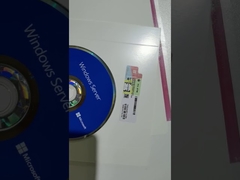
Brief: Discover the latest Silver/Red Microsoft Windows 11 Professional vs Home OEM Coa Sticker in this video. Learn about the new features, system requirements, and benefits of Windows 11 Pro, the successor to Windows 10, designed for enhanced performance and security.
Related Product Features:
Windows 11 Pro features a redesigned, Mac-like interface with rounded corners and pastel shades.
Integrated Android apps via the Amazon Appstore, accessible from the updated Microsoft Store.
Widgets accessible directly from the Taskbar for personalized updates.
Microsoft Teams integration pinned on the Taskbar for easy access across devices.
Xbox tech enhancements like Auto HDR and DirectStorage for better gaming performance.
Improved virtual desktop support for seamless multitasking across personal, work, and school use.
Snap Groups and Snap Layouts for easier window management and monitor transitions.
Secure boot with TPM 2.0 and UEFI firmware for enhanced system security.
Faqs:
What are the system requirements for Windows 11 Pro?
Windows 11 Pro requires a 1 GHz or faster 64-bit processor, 4GB RAM, 64GB storage, UEFI secure boot, TPM 2.0, DirectX 12 compatible graphics, and a display larger than 9 inches with HD resolution.
When was Windows 11 released?
Windows 11 was announced on June 24, 2021, and became available on October 5, 2021.
What new features does Windows 11 Pro offer?
Windows 11 Pro offers a redesigned interface, integrated Android apps, widgets, Microsoft Teams integration, Xbox gaming enhancements, better virtual desktop support, and improved multitasking tools like Snap Groups and Snap Layouts.